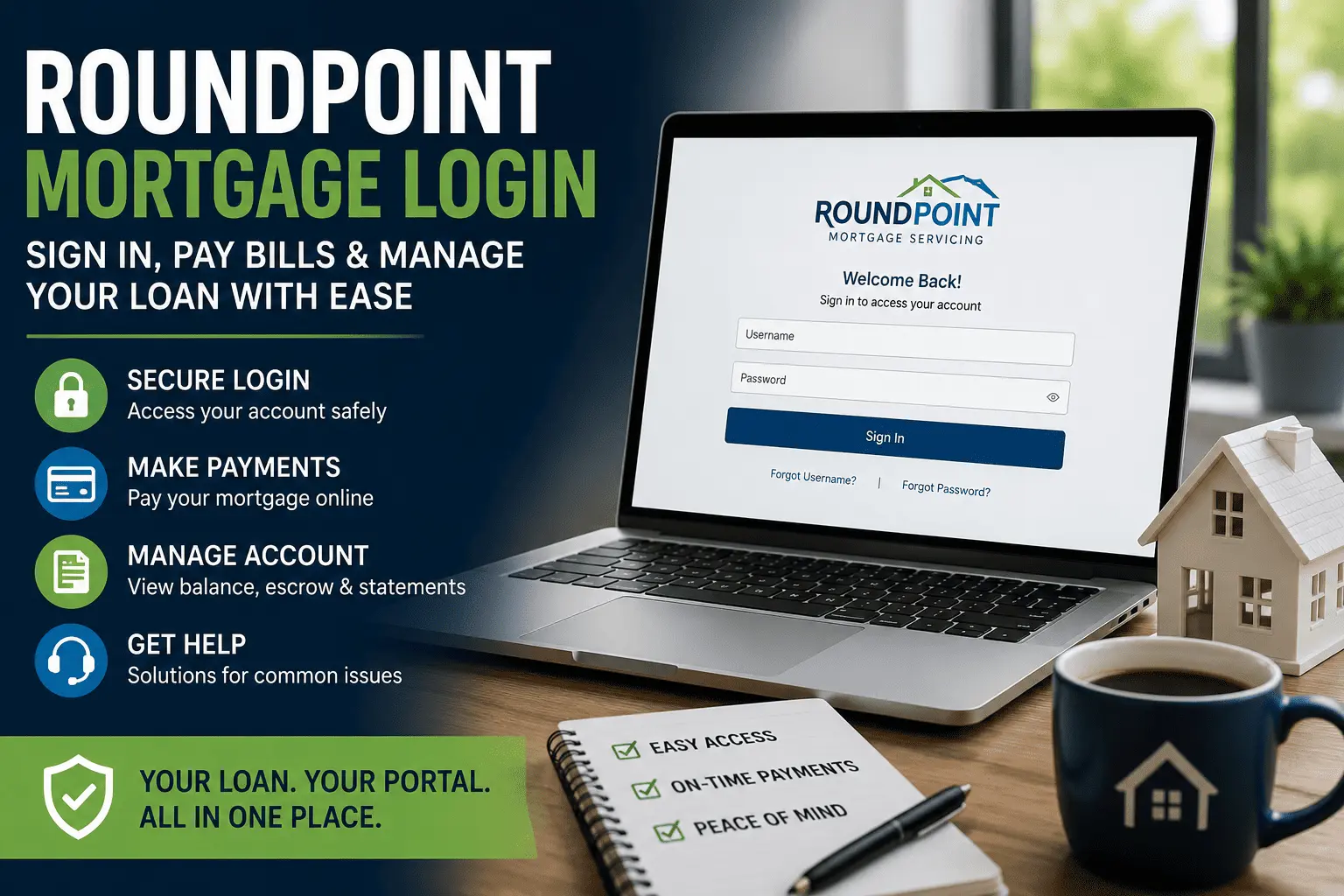
Your loan just changed hands, and now you are staring at a login screen you have never seen before. That moment is stressful, especially when a payment is close to its due date. Many homeowners hit this exact wall right after their mortgage moves to a new company, and the confusion is real. You are not the only person searching for answers tonight.
This guide walks you through the RoundPoint Mortgage Login from start to finish, including your first sign in, registration, and fixes for common errors. Mortgage servicing transfers follow strict federal rules, and knowing those rules protects you from late fees that are not your fault. You will learn how to set up your account, check your balance, update your details, and reach support when something feels off. By the end, you will know exactly how this account works and feel ready to manage it on your own.
What Is the RoundPoint Mortgage Login?
RoundPoint Mortgage Servicing is a company that manages home loans on behalf of lenders and investors. It does not always originate the loan itself. Instead, it collects monthly payments, handles your escrow account, and answers borrower questions after a loan is sold or transferred. The RoundPoint Mortgage Login gives you a direct window into all of that activity.
Federal law under RESPA gives homeowners protection during a transfer like this. Your previous lender must notify you at least fifteen days before the change, and RoundPoint must send its own notice within fifteen days after taking over. You also get a sixty-day grace period where late fees cannot apply if you accidentally pay the old servicer by mistake. Knowing this rule alone can save you money and stress.
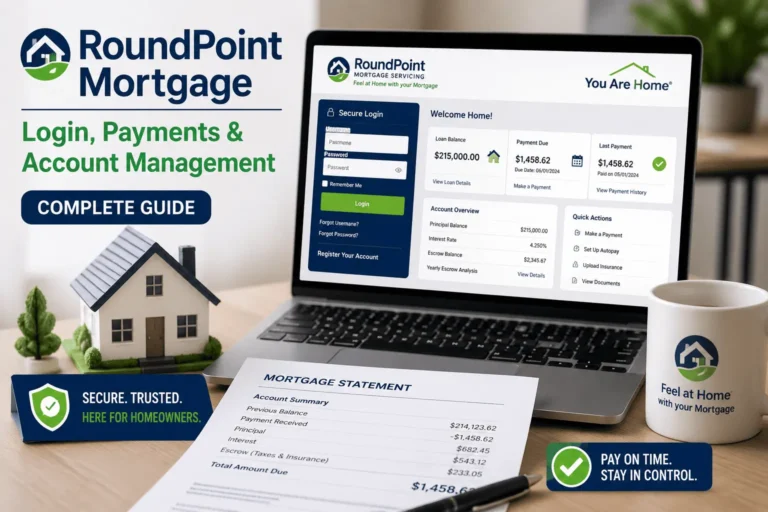
The portal itself is built around a system called You Are Home™. It works as your personal dashboard for everything tied to your loan. You can think of it as one central place that replaces phone calls and paper mail for most routine tasks.
Here are a few quick facts about the account before you dive in:
| Detail | Information |
|---|---|
| Portal name | You Are Home™ |
| Used for | Viewing balance, paying bills, managing escrow |
| Access methods | Website and mobile app |
| Required for first use | Loan number and personal details |
| Federal protection | 15-day notice, 60-day grace period under RESPA |
How to Log In to Your RoundPoint Mortgage Account
Getting into your account takes only a few minutes once you have your details ready. Follow these steps in order so you do not skip anything important.
- Open your browser and go to the official RoundPoint website.
- Look for the account access button, usually near the top right corner.
- Type in your username and password exactly as you created them.
- Complete any extra identity check if the system asks for one.
- Wait for your dashboard to load, then confirm your loan details and escrow account look correct.
If your details are correct but the page still will not move forward, clear your browser cache first. A simple refresh solves more problems than people expect.
How to Register for Your RoundPoint Mortgage Login (First-Time Users)
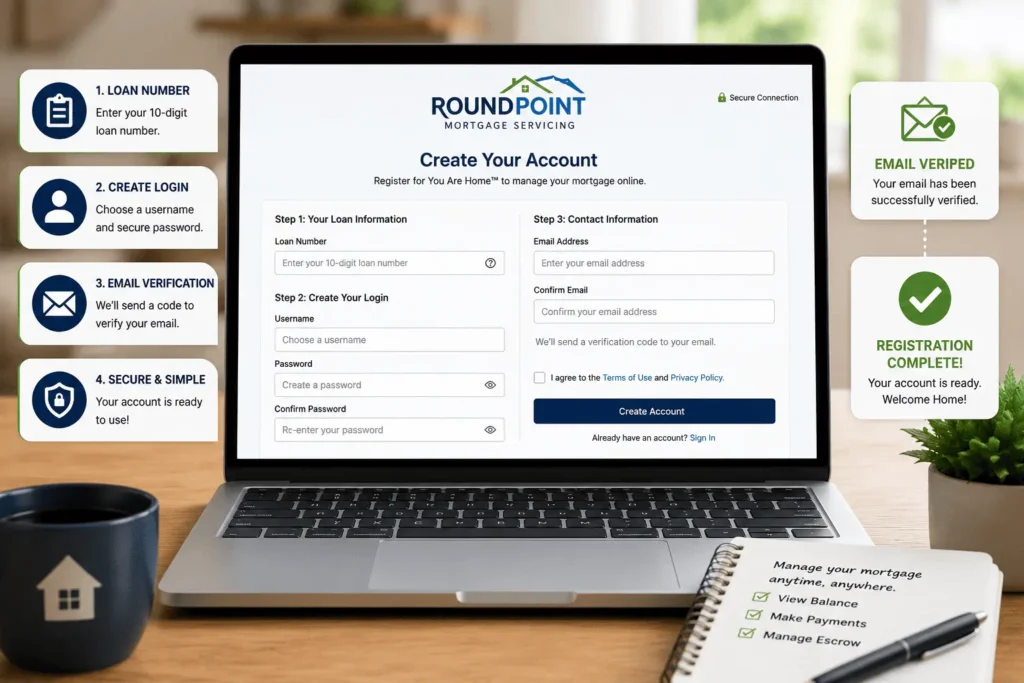
If you have never created an account, you will need to register before you can view anything. This step usually happens right after your loan moves to RoundPoint or right after closing.
- Visit the You Are Home™ registration page on the RoundPoint website.
- Enter your loan number, which appears on your welcome letter or statement.
- Confirm personal details such as your name, property address, and date of birth.
- Create a strong username and a unique password.
- Set up a backup email or phone number for identity checks.
- Submit the form and check your inbox for a confirmation message.
Once registration is complete, the RoundPoint Mortgage Login becomes your everyday entry point for the account. Keep your confirmation email somewhere safe in case you need it later.
What You Can Do Once You Log In
The dashboard is built to handle most homeowner tasks without a phone call. Here is what you can typically manage from inside your account:
- View your current loan balance and interest rate
- Make a one-time online bill pay or switch to automatic billing
- Choose between ACH payments and recurring autopay
- Set up biweekly payments to shave time off your loan
- Check your escrow breakdown for taxes and insurance
- Request a copy of your annual escrow analysis
- Download monthly and yearly statements
- Update your mailing address, email, or phone number
- Request payoff information when you are ready to sell or refinance
- Apply for hardship or loss mitigation help if you fall behind
- Send secure messages to the support team
Some homeowners also use extra funds to shrink their loan faster through options like recasting, which lowers the monthly bill without a full refinance. You can read more about how that process works in this guide on recasting a mortgage if that interests you.
Using the RoundPoint Mortgage Login on the Mobile App
Many homeowners prefer checking their homeowner portal from a phone instead of a computer. RoundPoint offers a mobile app that mirrors most of the features found on the website. You can download it from the Apple App Store or Google Play Store under the You Are Home™ name.
Once installed, the RoundPoint Mortgage Login process on mobile works almost the same way as on desktop. You enter your username and password, confirm your identity if asked, and your dashboard opens right away. The app also sends push alerts for due dates, which helps you avoid late fees and keeps your escrow account on track throughout the year.
Logging In After Your Loan Transfers to RoundPoint
Loan transfers happen often in the mortgage industry, and they rarely involve the homeowner’s choice. If your loan recently moved to RoundPoint, you should receive a welcome letter with your new loan number and a deadline for your first bill. Do not send old payment coupons to your previous lender after this date, since they will not forward automatically.
The RoundPoint Mortgage Login will not work until you complete registration with your new loan number. Your old account credentials from the previous servicer carry no value here, since the systems do not connect. If you previously dealt with a different servicer, you may find it helpful to compare steps in this Freedom Mortgage Login guide to understand how transfers generally work across companies.
RoundPoint Mortgage Login Not Working? Common Problems and Fixes
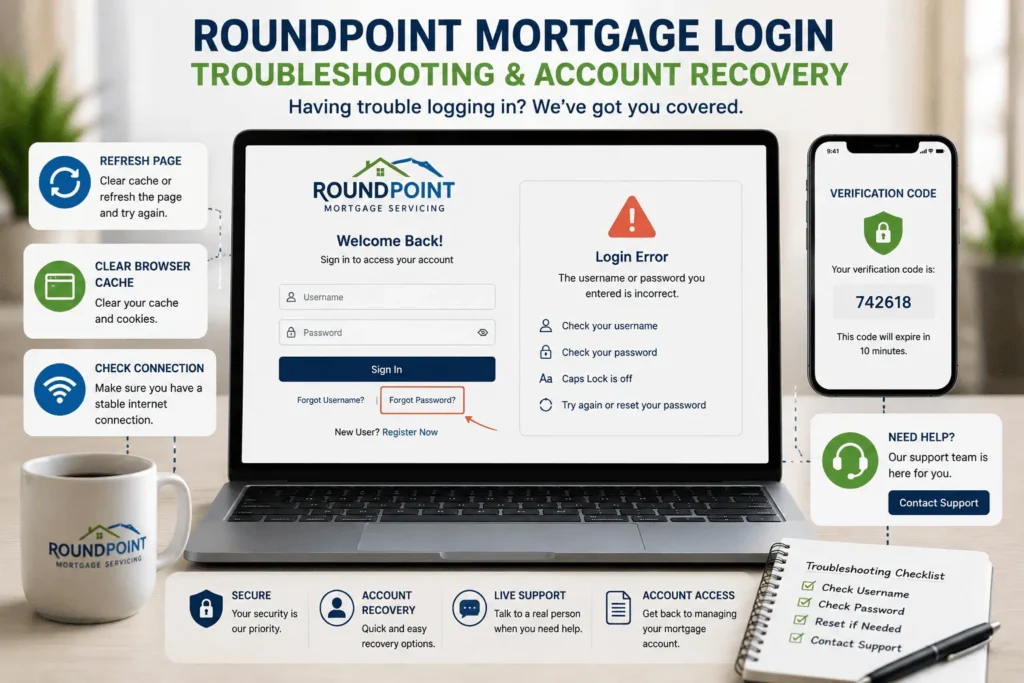
Login trouble is common right after a transfer, a password reset, or a browser update. Below is a quick look at frequent issues and simple fixes before going deeper into each one.
| Problem | Quick Fix |
|---|---|
| Forgotten password | Use the reset link tied to your email |
| Account locked | Wait, then contact support if needed |
| No verification code | Check spam folder or try a different method |
| Page not loading | Clear cache or switch browsers |
| Missing payment | Allow time for processing, then call support |
Forgot Password or Username
This is the most common reason people get stuck. Click the reset option on the login page and follow the prompts sent to your email or phone. If you forgot your username too, most reset tools let you recover both at once. Double check for typos, since extra spaces or wrong capitalization often cause failed attempts.
Account Locked After Failed Attempts
Too many wrong password tries can lock your account for security reasons. This protects your information from anyone trying to guess your credentials. Wait about fifteen to thirty minutes before trying again, since many lockouts release automatically. If the lock continues, reach out to support directly for a manual unlock.
Verification Code Not Arriving
Identity checks sometimes fail to deliver a code through text or email. Check your spam or junk folder first, since security messages often land there by mistake. Confirm your phone number and email are current inside your profile settings. If nothing arrives after a few tries, switch to the alternate verification method offered on the screen.
Login Page Not Loading or Site Errors
Outdated browsers and stored cache files cause most loading errors. Try clearing your cache, switching browsers, or using a private browsing window. Heavy traffic during peak hours, such as right after statements go out, can also slow the site. Give it a few minutes and try again if the page seems unusually slow.
Payment Not Showing After You Log In
Processing delays are normal, especially for payments made through a bank transfer rather than the website directly. Most payments take one to three business days to appear on your account. Keep your confirmation number or receipt until the amount shows up. If several days pass with no update, contact support with your confirmation details ready.
How to Keep Your RoundPoint Login Secure
Protecting your account matters since it holds personal and financial details. A few simple habits go a long way toward keeping things safe.
- Use a unique password you do not reuse on other websites
- Turn on two-step verification if the option is available
- Never share your login details with anyone outside your household
- Log out fully when using a shared or public computer
- Review your statements regularly for charges you do not recognize
- Update your contact information whenever it changes
Small habits like these reduce your risk significantly over time. Identity theft targeting mortgage accounts is rare but not impossible, so staying alert is always worth the extra minute.
Can Someone Else Access Your RoundPoint Mortgage Account?
Only people listed on the loan, such as a co-borrower, should have their own separate login credentials. Authorized users without legal standing on the loan typically cannot create an account on their own. If you need a family member or representative to manage things for you, look into setting up power of attorney through the proper legal channel first.
Sharing your personal username and password is not the same as proper authorized access. It also removes any record of who actually took action on the account. Keeping access separate protects everyone involved, including you and your co-borrower.
Logging In After Payoff or a Transfer to a New Servicer
Once your loan is fully paid off, your account usually stays viewable for a limited time so you can download final documents. After that window closes, access may be removed entirely, so save your payoff letter and final statement early. The same applies if your loan transfers away from RoundPoint to a different company down the road.
In that second case, your account with the new servicer works independently from your old one. You will need to register fresh with whatever portal the new company uses, similar to how borrowers handle a Freedom Mortgage payment login after a separate transfer. If you fall behind on payments before reaching payoff, RoundPoint also offers loss mitigation options such as repayment plans or loan modification. These options are separate from your login but are usually requested through the same support channel, so keep records from both servicers until everything matches.
RoundPoint Mortgage Login Help and Contact Support
When self-service options do not solve the problem, reaching a real person is the next step. Most contact details, including phone numbers and mailing addresses, appear directly on your monthly statement or welcome letter. Having your loan number ready before you call speeds up the entire process.
For general mortgage questions outside of direct account access, you can also reach our editorial team at james@allthings-mortgage.com. Support representatives can help with account corrections, escrow questions, and login resets that the website cannot resolve on its own.
Conclusion
Dealing with a new servicer can feel overwhelming at first, but the RoundPoint Mortgage Login does not have to stay confusing for long. As promised earlier, this guide covered registration, daily account features, common errors, and exactly who to contact when something goes wrong. With your login set up, your escrow account confirmed, and your details current, managing your mortgage online becomes a routine task rather than a source of stress. Keep your credentials secure, check your statements often, and you will stay on top of your loan with no surprises.
Frequently Asked Questions
Is the You Are Home™ portal the same thing as the RoundPoint login?
Yes. You Are Home™ is the official name of the online dashboard tied to your RoundPoint account. Logging in through either name takes you to the same place, so there is no separate system to worry about.
Why did my loan move to RoundPoint without my approval?
Lenders regularly sell or transfer servicing rights, and your approval is not required by law. Your loan terms, rate, and balance stay the same after a transfer. Only the company collecting payments and managing the account actually changes.
Can I make a payment without creating an account first?
Some servicers allow guest payments using your loan number alone, though full account access offers more visibility. Registering takes only a few minutes and gives you ongoing access to statements and history.
How long does it take to register for the first time?
Most homeowners finish registration in under ten minutes if they have their loan number and personal details ready. Confirmation emails usually arrive within a few minutes after submitting the form.
What should I do if my account shows the wrong balance?
Recent payments or escrow adjustments sometimes take a few days to reflect accurately. If the balance still looks wrong after a week, contact support directly with your latest statement for a manual review.