
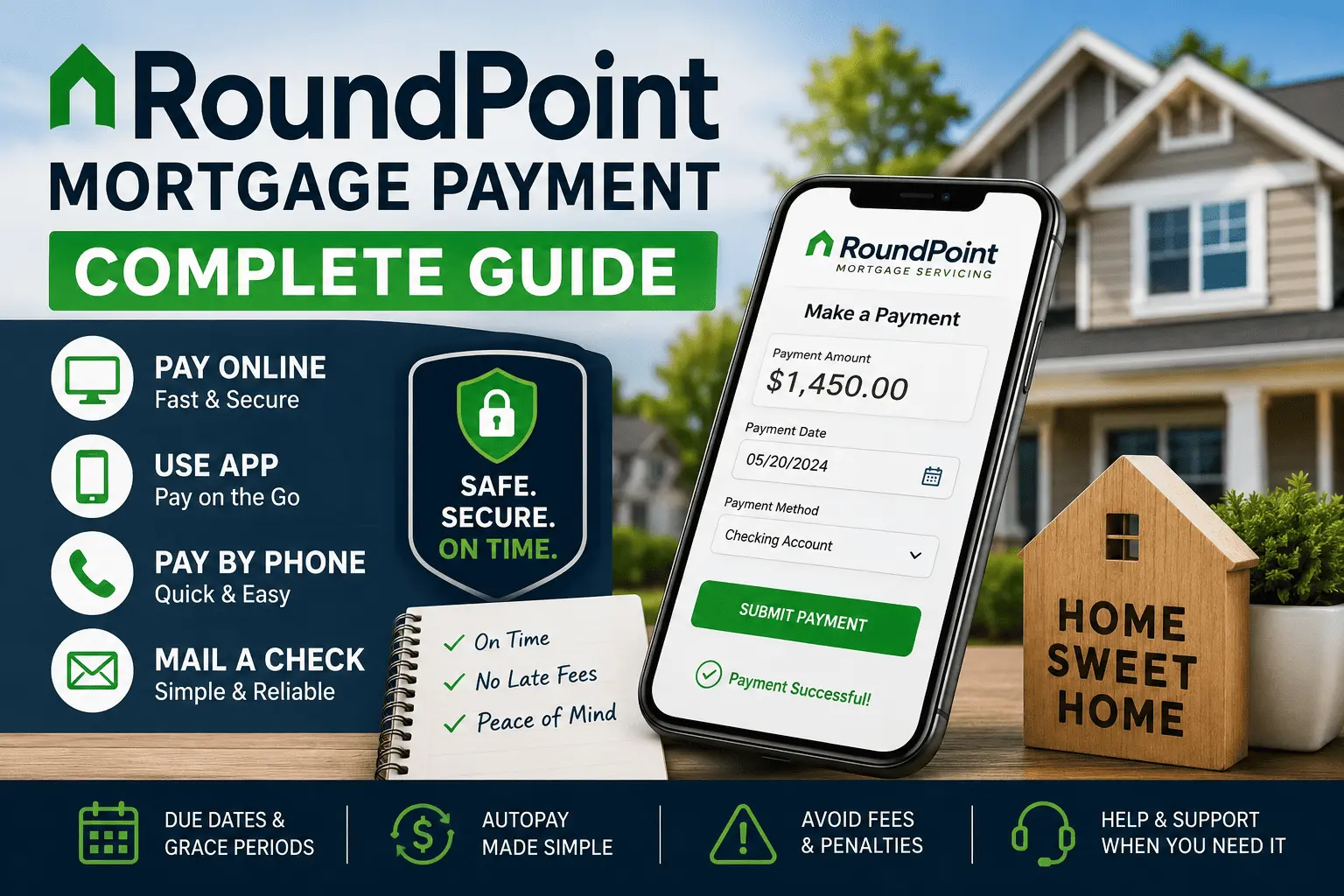
Your loan just moved to a new company, and now you are not sure where your money should go. Maybe you logged in last night and the old payment link did not even work anymore. A lot of homeowners feel this same panic the moment their mortgage transfers to a different servicer.
This guide clears up every part of the RoundPoint mortgage payment process, from the online portal to mailing a check. You will learn how to pay on time, set up autopay, fix a missing payment, and avoid late fees. By the end, you will know exactly which option fits your life best.
How to Make a RoundPoint Payment Online — You Are Home™ Portal (Step by Step)
RoundPoint’s online system is called the You Are Home™ portal. It is the fastest and easiest way to handle your monthly bill. Most homeowners can finish this in under five minutes once they know the steps.
- Go to the official You Are Home™ login page on RoundPoint’s website.
- Enter your username and password, or create a new account if this is your first visit.
- Click on the “Make a Payment” tab inside your dashboard.
- Choose your bank account, enter the amount, and pick the date you want it processed.
- Review the details and confirm the payment before you submit it.
You will get a confirmation number right away. Save it or take a screenshot for your records. This number can help you later if a payment ever gets misplaced.
If your loan recently moved over, you may need your old account number from the previous lender to register the first time. If you are not sure how to access your dashboard at all, the RoundPoint Mortgage login guide walks through the first-time setup in detail.
Other Ways to Pay Your RoundPoint Mortgage
Not everyone wants to log into a website every month. RoundPoint gives homeowners several other paths to send their money safely. Pick whichever method matches your comfort level and schedule.
RoundPoint Mobile App
RoundPoint offers a mobile app for both Android and iPhone users. You can check your balance, view statements, and submit a payment right from your phone. This option works well if you are always on the move and rarely sit at a computer.
The app mirrors most of the features found on the desktop portal. You will need the same login details you use for the website. Once it is set up, future payments take only a couple of taps.
Pay by Phone
You can call RoundPoint’s automated phone system anytime, day or night. A real representative is also available during normal business hours if you prefer to talk to a person. You will need your loan number and bank details ready before you call.
This method is helpful when the internet is down or you are traveling without a laptop. Some homeowners also like having a person confirm the payment out loud. Just be aware phone payments sometimes carry a small processing fee.
Online Bill Pay Through Your Bank
Many homeowners already use their bank’s own bill pay tool for rent, utilities, and other monthly costs. You can add RoundPoint as a payee using your loan number and the correct mailing address. Your bank then sends the funds directly on the schedule you set.
This method keeps everything inside one banking app you already trust. The downside is timing; bank bill pay can take a few extra days to arrive compared to a direct online pay through RoundPoint itself.
Pay by MoneyGram (Cash)
If you do not have a checking account, MoneyGram locations accept cash payments toward your mortgage. You will need RoundPoint’s specific receive code, which the company provides on request. This option is common for homeowners who prefer cash-based budgeting.
There is usually a small fee charged at the MoneyGram counter. Funds typically post within one business day, which makes this a decent backup near a due date.
Pay by Mail or Overnight
Some homeowners still prefer writing a paper check each month. RoundPoint accepts payments by regular mail and by overnight courier services like FedEx or UPS. Always write your loan number clearly on the check itself.
Mailed payments take longer to arrive and post than digital options. If your due date is close, mailing a check is risky. Overnight delivery is the safer paper-based choice when time is tight.
How to Set Up RoundPoint Autopay (Recurring ACH)
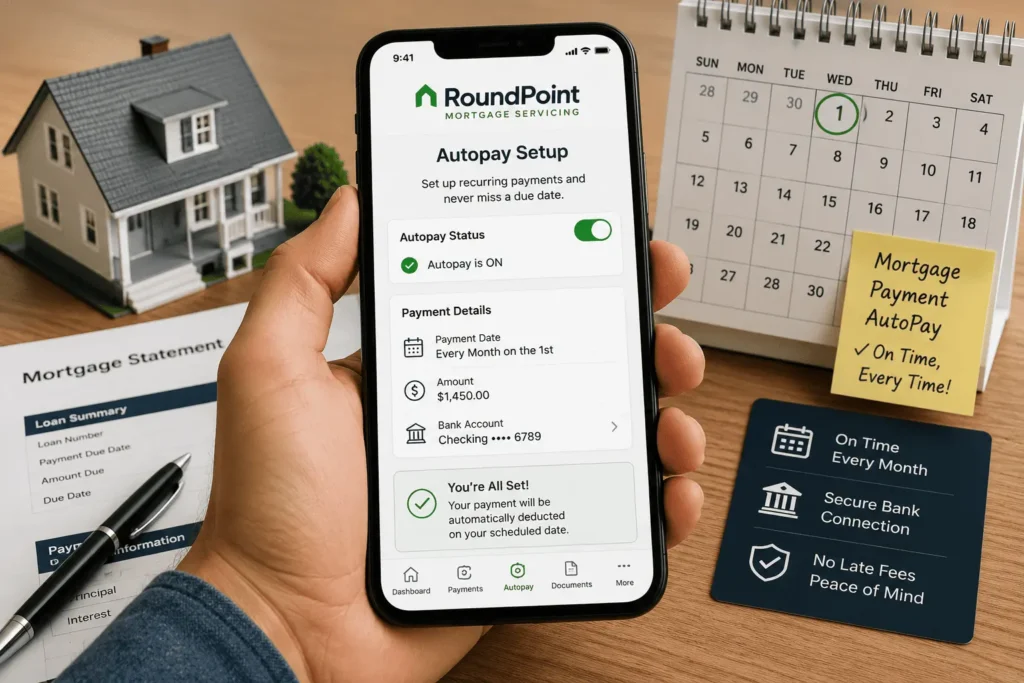
Forgetting a due date is one of the most common reasons homeowners get hit with a late fee. Setting up automatic ACH withdrawals solves that problem completely. Once it is active, your bank account gets debited on the same date every single month.
Enroll in Autopay
Log into your You Are Home™ account and look for the “Recurring Payments” or “Autopay” section. Enter your bank routing number, account number, and the amount you want withdrawn. Confirm your draft date and submit the enrollment form.
Most homeowners receive a confirmation email within a day or two. Keep that email in case you ever need proof of enrollment. Autopay generally starts on your very next billing cycle, not the current one.
Change Your Payment Draft Date
Life changes, and so does your paycheck schedule. RoundPoint allows you to update your draft date directly inside the autopay settings menu. Just be sure the new date still falls before your due date to avoid any late charges.
Changes sometimes take one full billing cycle to take effect. Check your next statement to confirm the new date actually applied. Call customer support if the change does not show up after two cycles.
Cancel or Edit a Scheduled Payment
You can cancel or edit autopay at any time before the scheduled draft date. Most servicers, including RoundPoint, require changes a few business days ahead of the actual withdrawal. Waiting until the last minute may mean the payment goes through anyway.
If you need to switch banks, update the new account details first. Then confirm the old account has been fully removed from the system. Double-check your next statement to make sure the correct account was used.
Can You Pay RoundPoint With a Credit or Debit Card?
This is one of the most common questions homeowners ask. Most mortgage servicers, including RoundPoint, do not accept direct credit or debit card payments for the loan itself. This rule is fairly standard across the mortgage servicing industry.
Some third-party services allow card payments for a fee, then forward the funds as an ACH transfer. These services can take a few extra days to post. They also charge a convenience fee that often outweighs any rewards points earned.
Your safest and cheapest options remain a checking account transfer, the mobile app, or mailing a check. If you are trying to earn card rewards, consider using the card for other bills instead and freeing up cash for your mortgage.
RoundPoint Payment Due Date, Grace Period & Late Fees
Your due date is printed clearly on every monthly statement. Most home loans, including those serviced by RoundPoint, give homeowners a short grace period before a late fee applies. Missing that window even by a day can trigger an extra charge.
| Detail | Typical Timeline |
|---|---|
| Payment Due Date | 1st of the month |
| Grace Period | Usually 15 days |
| Late Fee Applied | After grace period ends |
| Fee Amount | Often a percentage of your monthly payment |
| Credit Report Impact | Usually after 30 days past due |
Your exact grace period and fee percentage are listed in your loan note, not on a general chart. Always check your statement or call RoundPoint directly to confirm your specific numbers. A 30-day-late mark is far more damaging to your credit than a small grace-period fee.
Setting a calendar reminder a few days before your due date is a simple habit. Pair that reminder with autopay, and missing a RoundPoint mortgage payment becomes much harder to do by accident.
RoundPoint Payment Not Showing? How to Fix It
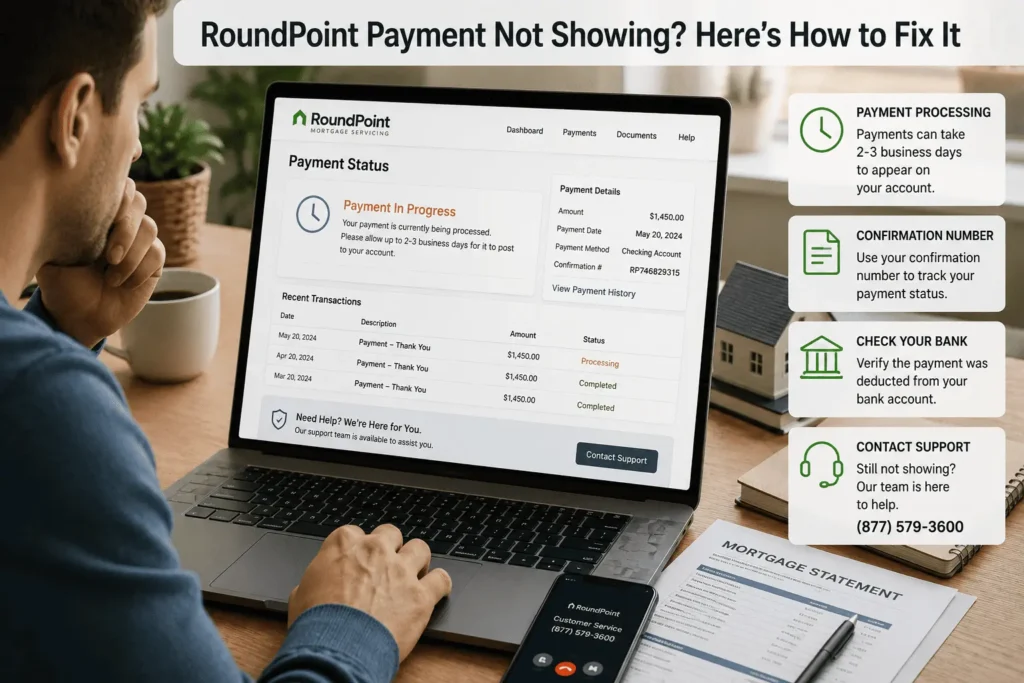
It is unsettling to send money and then see no record of it on your account. This happens more often than people expect, especially right after a loan transfer. Most of the time, there is a simple explanation.
- Bank transfers and bill pay can take two to five business days to post.
- A payment made on a weekend or holiday often shows up the next business day.
- Mailed checks may sit in a processing center before they get logged.
- A typo in your loan number can delay or misroute a payment.
Wait two full business days before assuming something is wrong. If the payment still does not appear, call RoundPoint with your confirmation number or check copy ready. Keeping proof of every payment protects you if a dispute ever comes up later.
Making Payments After Your Loan Transfers to RoundPoint
A loan transfer notice arrives in the mail before your loan officially moves. Federal law gives you a grace period where you cannot be charged a late fee if you mistakenly send money to the old servicer during that window. Still, the safest move is sending your next RoundPoint mortgage payment directly to the new account once it is set up.
Register for the You Are Home™ portal as soon as you get your welcome letter. You will likely need your old loan number for the first login. For a full walkthrough of what changes after a transfer, the guide on RoundPoint Mortgage account setup covers the whole process from start to finish.
Double-check that your old servicer’s autopay has been canceled. Many homeowners accidentally get double-charged because two systems were active at once. Confirming this within the first week saves a lot of headache later.
Can’t Make Your Payment? RoundPoint Assistance Options
Financial trouble happens to almost everyone at some point. RoundPoint offers hardship programs, including forbearance and loan modification, for homeowners facing a temporary setback. Reaching out before you miss a payment gives you far more options than waiting until you are already behind.
A loss mitigation specialist can walk you through what you qualify for based on your situation. Some homeowners explore recasting their mortgage as a way to lower future payments after a lump sum. Others need a short repayment plan to catch up gradually.
Never ignore letters or calls from your servicer during a hardship. Communication keeps your options open and protects your credit. The earlier you call, the more flexible the solution usually is.
RoundPoint Payment Phone Number & Mailing Addresses
Keep this information handy for whichever payment method you choose. Always confirm details on your most recent statement, since mailing addresses can change. Below is a general structure most homeowners can expect.
- Customer service phone line: Listed on the back of your monthly statement, available during standard business hours plus an automated line after hours.
- Standard mail address: A regular payment processing address printed directly on your coupon or statement.
- Overnight courier address: A separate street address provided specifically for FedEx or UPS deliveries.
- Correspondence address: A different address used for disputes, hardship requests, or written questions, separate from payment processing.
Mixing up these addresses is a common mistake that delays processing. Always copy the exact address from your current statement rather than an old one.
RoundPoint Payment Methods Compared
Every method has its own trade-off between speed, convenience, and cost. Use this table to pick the best fit for your situation.
| Method | Speed | Cost | Best For |
|---|---|---|---|
| You Are Home™ Portal | Same or next day | Free | Most homeowners |
| Mobile App | Same or next day | Free | On-the-go users |
| Phone Payment | Same or next day | May carry a fee | Quick one-time payments |
| Bank Bill Pay | 2–5 business days | Usually free | Homeowners who batch all bills together |
| MoneyGram | 1 business day | Small counter fee | Cash-based budgeting |
| Mail / Overnight | Several days to overnight | Free, or courier cost | Paper-check preference |
If your due date is close, avoid mail and bank bill pay. Stick to the portal, app, or phone instead for the fastest processing.
Conclusion
Sending in your RoundPoint mortgage payment does not have to feel confusing or stressful. As promised at the start, you now have every option laid out clearly, from the online portal to mailing a check. Autopay, due dates, and assistance programs are all tools you can use to stay ahead. Pick the method that fits your life, and your loan stays right on track.
Questions about anything in this guide? Reach out at james@allthings-mortgage.com.
Frequently Asked Questions
Does RoundPoint charge a fee for online payments?
Most online payments through the You Are Home™ portal and mobile app are free. Phone payments and third-party card services may carry a small convenience fee. Always check your statement or ask a representative before submitting payment to confirm current fee details.
How long does it take for a mailed check to post?
Mailed checks usually take several business days to arrive and process, depending on postal delivery times. Overnight courier options post faster, often within one to two business days. Mail is risky if your due date is near.
What happens if I miss my grace period?
Once the grace period ends, a late fee is typically added to your account automatically. The loan stays current as long as payment arrives before the 30-day mark. Past 30 days, your credit report can be affected.
Can I split my mortgage into two payments each month?
Some servicers allow biweekly or split payments through their online system, but this depends on your specific loan terms. Check your account settings or call customer service directly. Not every loan type supports this feature automatically.
Do I need a new account number after my loan transfers?
Yes, you typically receive a brand-new loan number once your mortgage moves to a new servicer. Your welcome letter will list this number clearly. Use the old number only for your very first login, if requested.